
Searching Cases by Name
A name search for Walker County Superior or State Court should start at the Lookout Mountain Judicial Circuit Walker page or the county courts hub. Those official pages identify the intended case-search route. The local clerk wrapper was not working during the August 2026 research check, so its actual public fields could not be verified. Do not assume that it accepts a partial name, attorney, charge, or date range. If it loads, read the live instructions first and use the narrowest authorized identifier.
Common names can produce uncertain matches. Confirm the court, case type, filing date, party role, status, and event date before treating a row as the right Walker County case. A calendar may help confirm a setting, but it is not the full docket. Search only for a case you are authorized to review, and avoid entering another person's birth date or license number merely to test a vendor form.
- Identify Superior, State, Magistrate, Probate, Juvenile, municipal, or federal court before opening a search.
- Follow the official Walker County or LMJC link, then review the live fields and access terms.
- Enter the least sensitive reliable name information the official form requests.
- Match the court, type, date, role, and status before opening a Walker County docket.
- Confirm a critical date through the current calendar or clerk rather than an old saved result.
| Field Label | Type | Required | Notes |
|---|---|---|---|
| Walker clerk fields | Unknown | Unverified | The official route returned an internal error during inspection. |
| PeachCourt email | Text | Account access | The public screen showed login and registration, not case-search fields. |
| PeachCourt password | Password | Account access | No unauthenticated Walker County search form was visible. |
Walker County Court Comes First
The largest Walker County case-search mistake is choosing a portal before choosing a court. Superior Court handles felony and broad civil matters. State Court has separate case and calendar functions, although the Clerk of Superior Court manages its files. Magistrate Court handles warrants, first appearances, bonds, small civil claims, dispossessory matters, and other listed work. Probate maintains estate, guardianship, conservatorship, marriage, and license records. Each city keeps its own municipal court route.
Juvenile proceedings are restricted and do not belong in a general public name-search workflow. Federal cases for Walker County use the Northern District of Georgia and PACER, not a county portal. The court named on a notice, citation, pleading, or file stamp is the best routing clue. When that clue is unclear, call the relevant clerk before sharing personal information with any online system.
Searching by Case Number
A court-issued case number is usually a safer match than a common name. Walker County research did not verify one universal public number pattern across all courts, so preserve the identifier exactly as printed. Do not remove a year, prefix, dash, or leading zero unless the live form specifically instructs you to do so. A case number, civil action number, and traffic citation number are different identifiers. Using the wrong one can return no result even when the record exists.
Enter the number only after choosing the issuing court. If the official Walker County portal rejects it, check spacing and punctuation, then ask the clerk whether it is a Superior, State, Magistrate, Probate, Juvenile, or city reference. The Clerk of Superior Court can be reached at 706-638-1742 for Superior and State file routing. A municipal citation stays with the issuing city unless official instructions direct it elsewhere.
Walker Portal Failure Fallbacks
The official Walker clerk portal displayed a wrapper and an internal error during the research inspection. That snapshot does not prove the database was retired. It does mean a Walker County case search should offer a sound fallback. Call the clerk, visit the correct counter, or use the official circuit page to check current calendar links. For Superior and State records, the clerk is at 103 South Duke Street, LaFayette, with office hours listed as 9:00 a.m. to 5:00 p.m. Monday through Friday.
Portal unavailable? Record the error date, avoid repeated submissions, and ask the clerk how to inspect the docket or obtain the needed document.
The circuit's Walker-specific page makes the local split visible.
View the official LMJC Walker links before choosing a case or calendar route.
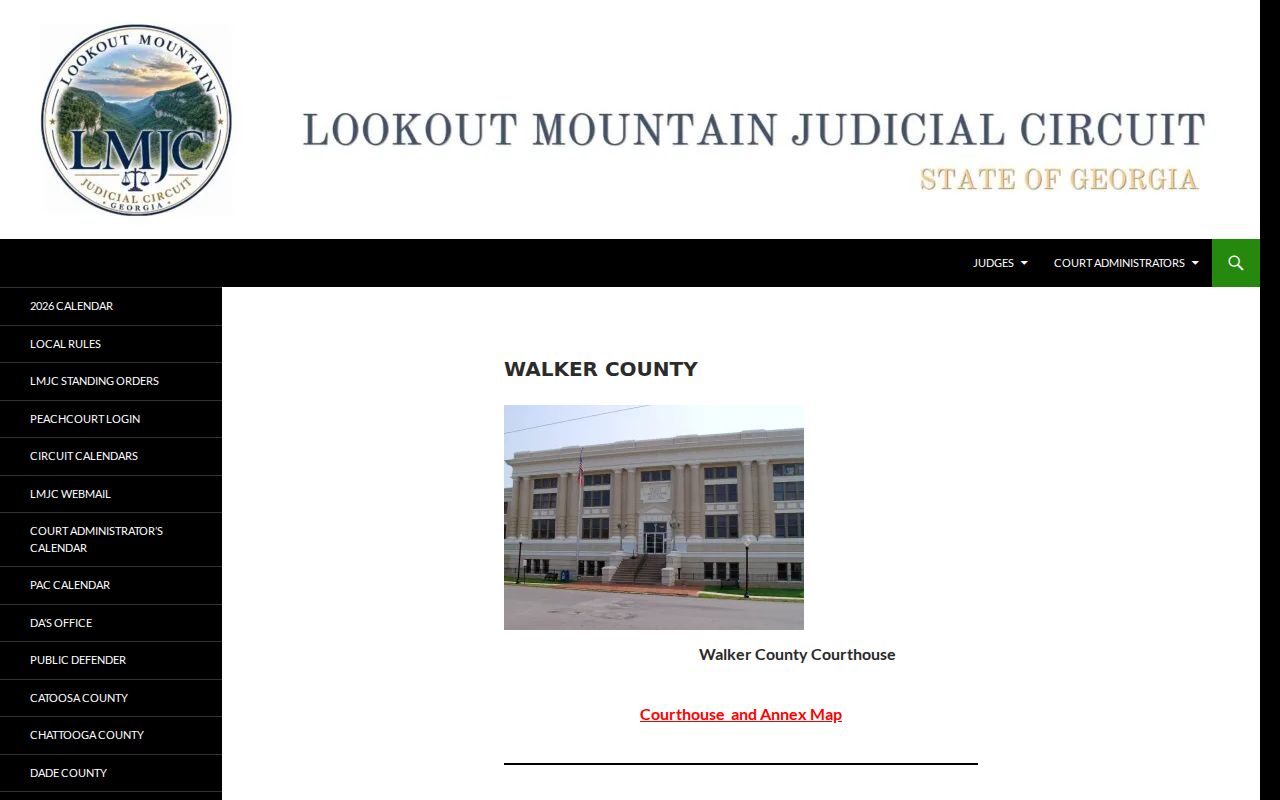
The captured page supports the distinction between case search, arraignment calendars, State Court, and Juvenile Court access.
What a Case Search Returns
A Walker County result may act as an index rather than a complete file. The docket can identify a case, parties, filing events, orders, settings, and status, subject to access limits. A filing date is when the clerk received or accepted an item, which may differ from the date written on it. A status such as open, closed, or disposed summarizes case posture but does not explain every ruling. Document images may be missing, still processing, account-gated, redacted, or sealed.
| Case number | The court's identifier, which is not the same as a citation number. |
|---|---|
| Style or parties | The case caption and formal party roles, when public. |
| Case type | The court's category, such as criminal, civil, or domestic relations. |
| Filed date | The date the clerk received or accepted the filing. |
| Status | A posture label that still requires docket and order review. |
PeachCourt Gates Walker Case Access
Georgia Courts E-Access routes Walker Superior and Walker State records to PeachCourt. E-Access is a provider directory, not one statewide public Walker County database. PeachCourt displayed email, password, sign-in, password recovery, and registration controls. Its search fields were behind account access, and no official public pricing or full-document promise was verified.
The account gate also separates e-filing from public searching. Georgia lists PeachCourt as the mandatory e-filing provider for Walker Superior and State Courts, but electronic filing does not guarantee that every docket image is freely viewable. A document can be accepted while indexing, redaction, access review, or scanning remains incomplete.
See PeachCourt's official access screen for current account terms.
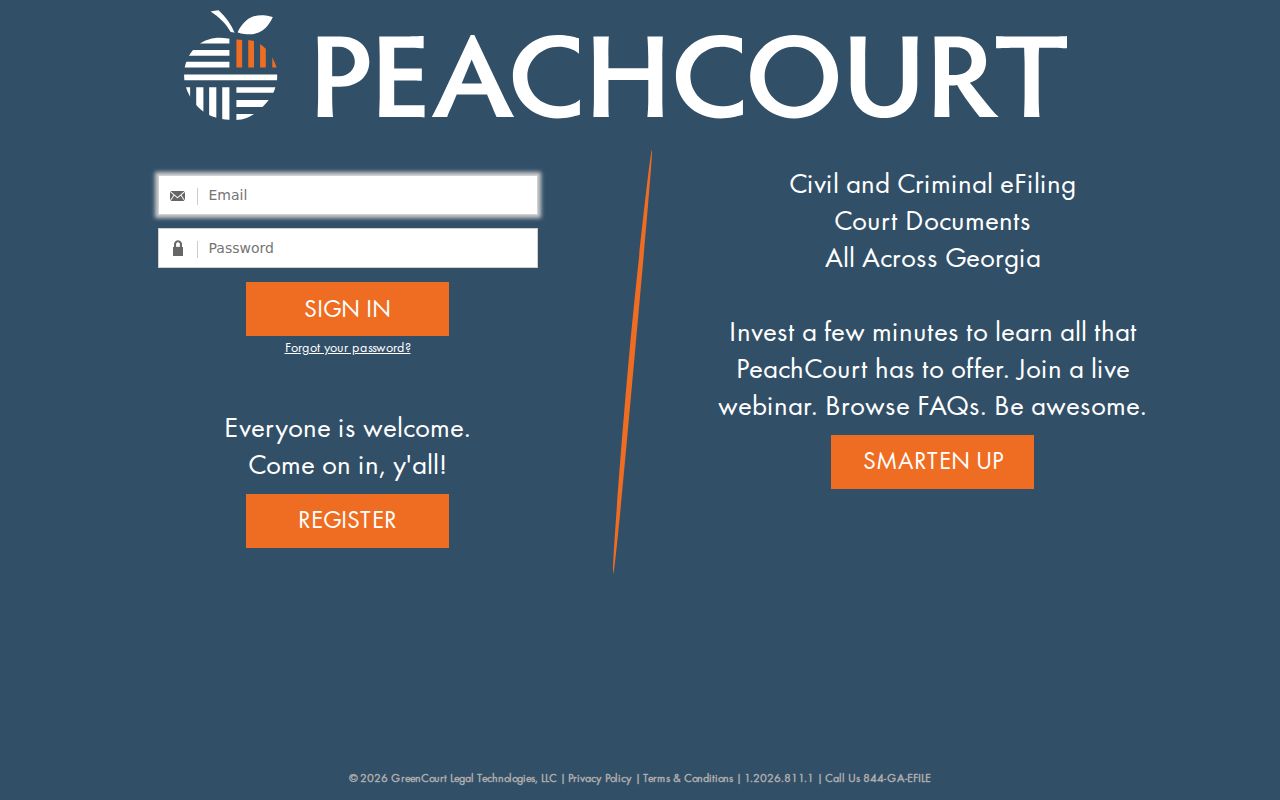
The image shows why the provider belongs in the account-access column, not as a guaranteed free search form.
Statewide vs County Case Search
Georgia does not provide a single statewide public Walker County case search. The state E-Access page directs users to provider-backed systems and says an account is required. For Walker Superior and State Courts, that provider is PeachCourt. The county clerk route remains the official local destination, with the clerk's counter and phone as essential backups. Neither route combines Magistrate, Probate, municipal, juvenile, traffic, federal, and appellate records in one result.
| Georgia E-Access route | Walker County route |
|---|---|
| Directs users to participating providers. | Targets Superior and State clerk records. |
| Requires provider account access. | Portal availability and fields can change. |
| Best for finding the named provider. | Best for a known Walker County court matter. |
For a setting rather than a full history, use the LMJC calendar and confirm changes with the clerk or court administrator. The separate Walker County court calendar explains how scheduled sessions differ from docket events.
Walker Calendars Cross-Check Results
The circuit publishes calendar material for arraignments, motions, pleas, status calls, criminal and civil jury sessions, Drug Court, and other settings. Those labels help verify the type and date of an event found in a Walker County case search. They do not establish what occurred. A listed plea setting does not prove a plea was accepted, and a jury-trial setting does not prove a jury was selected or a verdict entered.
Compare the date, time, court, judge, and setting type with the newest official calendar. Then check the docket for a reset, continuance, order, or disposition. Old PDFs can remain accessible after a case moves. For a date that affects an appearance, the current court notice and clerk confirmation control over a saved search result.
Note: A calendar is a scheduling source, while the Walker County docket is the filing and event history.
Access and Restricted Cases
Public access does not mean every Walker County file, field, or image is open online. Uniform Superior Court Rule 21 governs access to court records, and Rule 21.4 addresses limitations on remote electronic access. Sealed documents, protected identifiers, medical or financial material, confidential filings, and records covered by protective orders may be hidden or redacted. A public calendar entry can exist even when an attached filing is restricted.
Juvenile records require special treatment. Georgia authority describes access through Juvenile Court orders and limits public access to juvenile law-enforcement material. JDEX is an authorized-attorney system, not a public workaround. If a result says sealed, restricted, confidential, or unavailable, stop and ask the clerk which access procedure applies. A county Open Records request cannot defeat a sealing order.
Use official public fields only. Do not copy a live private row or treat a missing online result as proof that no Walker County case exists.
Walker Search Result Verification
Keep the official URL and the date of access with a Walker County result. Dynamic records and calendars can change after a reset, filing, correction, or disposition. Confirm the court, case type, event date, and status against the newest official source before relying on an older capture.
Do not retain a screenshot that exposes a private row. Record the public field structure and the exact source instead. When a result is unclear, ask the clerk for the docket sheet or the specific public filing rather than drawing a conclusion from one status label.